Free · No signup
Your photo, turned into a fuse bead pattern
Upload a photo and the editor converts it into a fuse bead chart on a real pegboard grid — then edit bead by bead, swap palettes and export a chart with exact bead counts.
- Real Perler, Hama and Artkal colour codes
- Edit bead by bead: pencil, fill, eraser, mirror
- Export a chart with exact bead counts — print it or keep editing
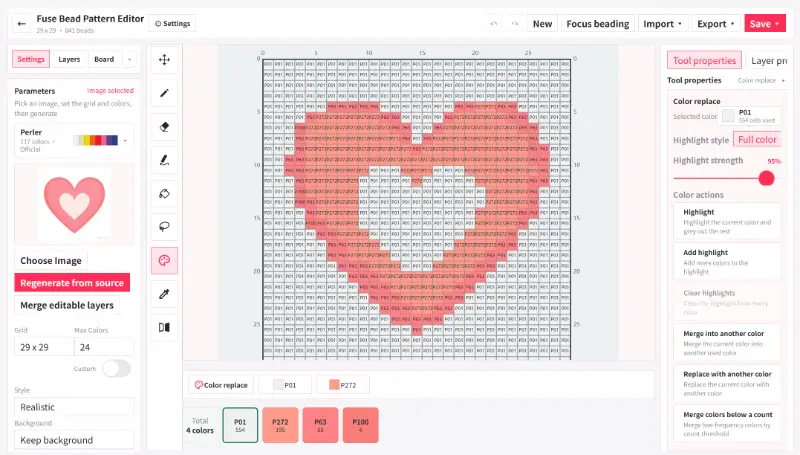
From photo to pattern
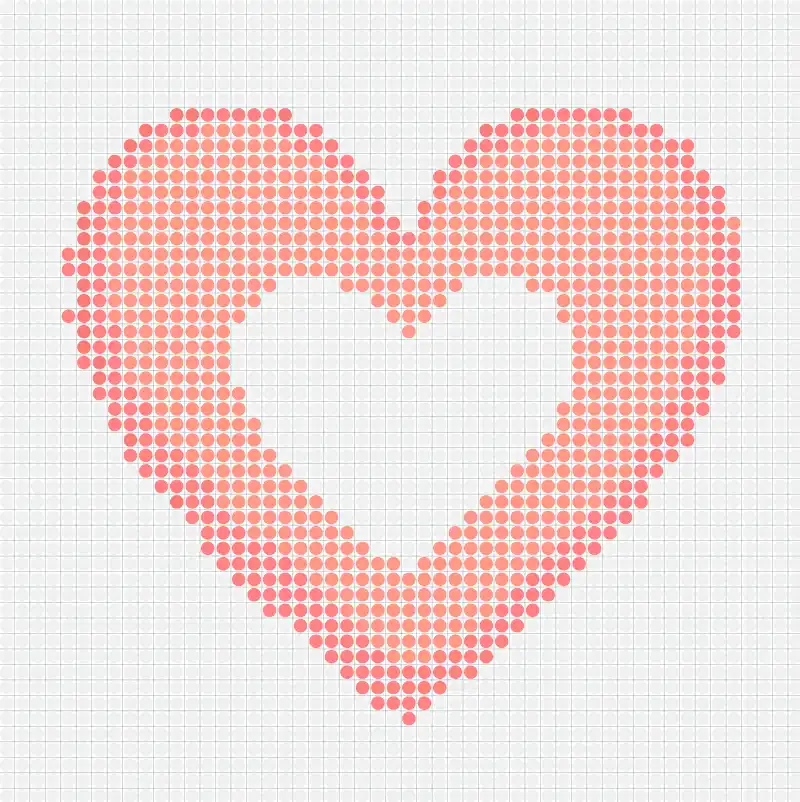
Drag the handle to compare the original photo with the bead chart generated from it.
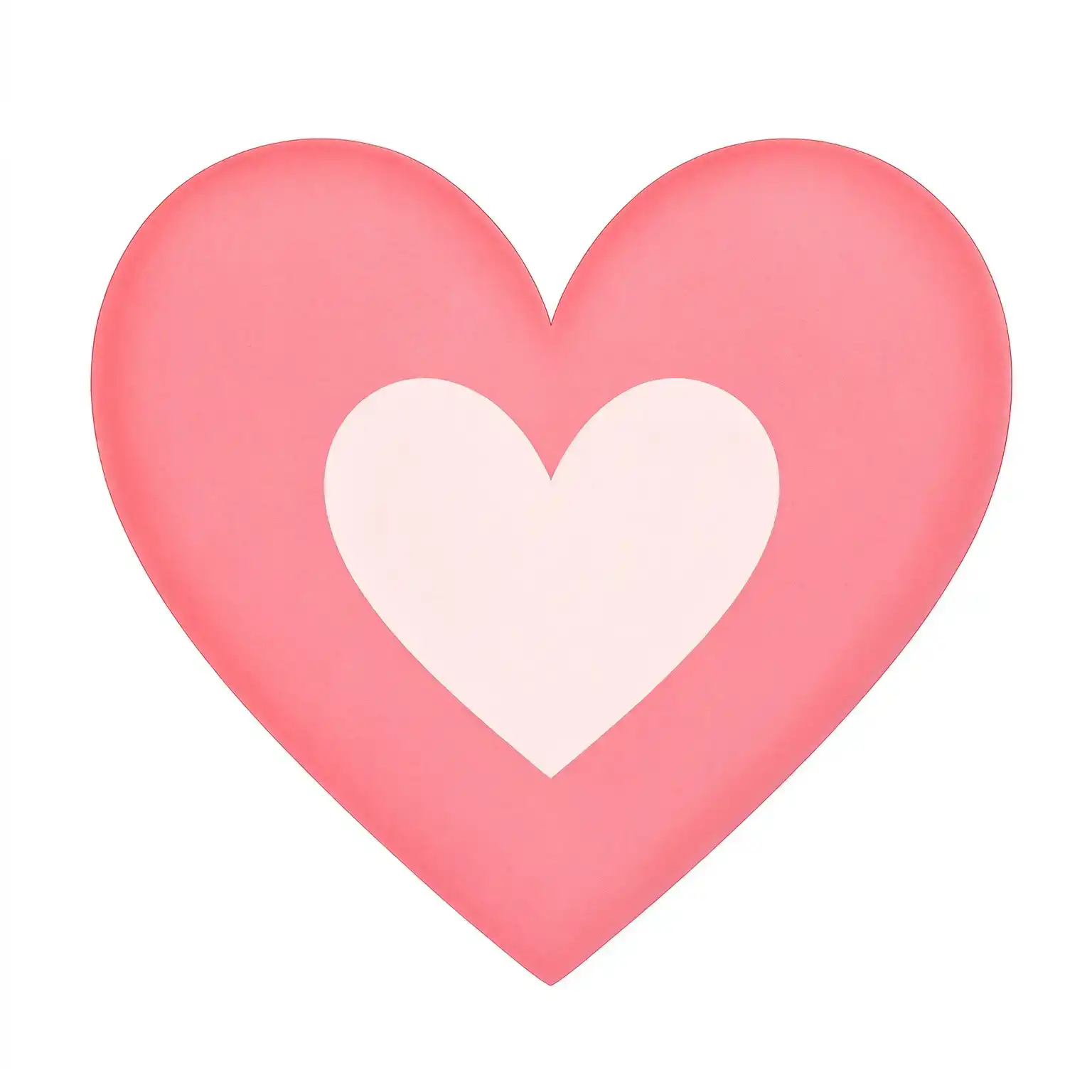 Photo
Fuse bead pattern

 Photo
Fuse bead pattern
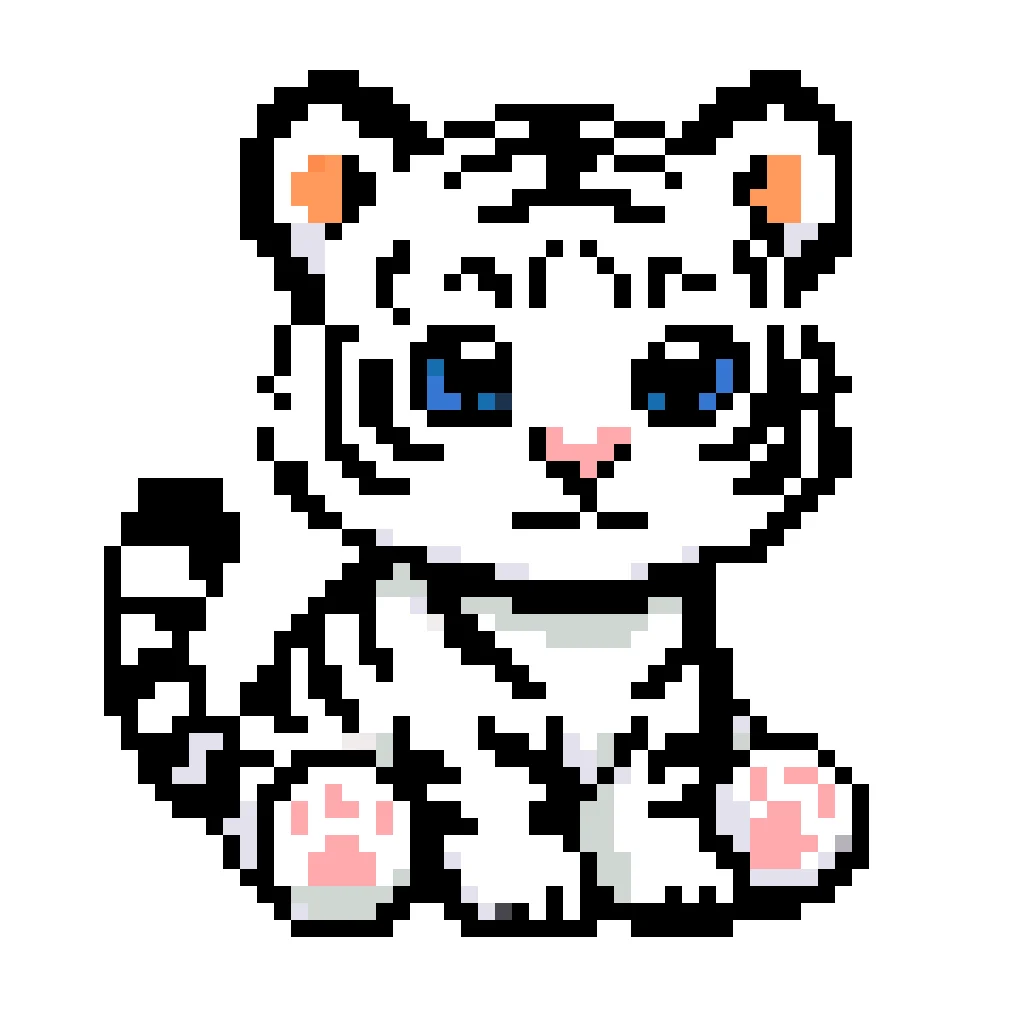
Trending fuse bead patterns
Real charts from the community — grid size, colour count and the full bead list are already worked out, ready to print or edit.

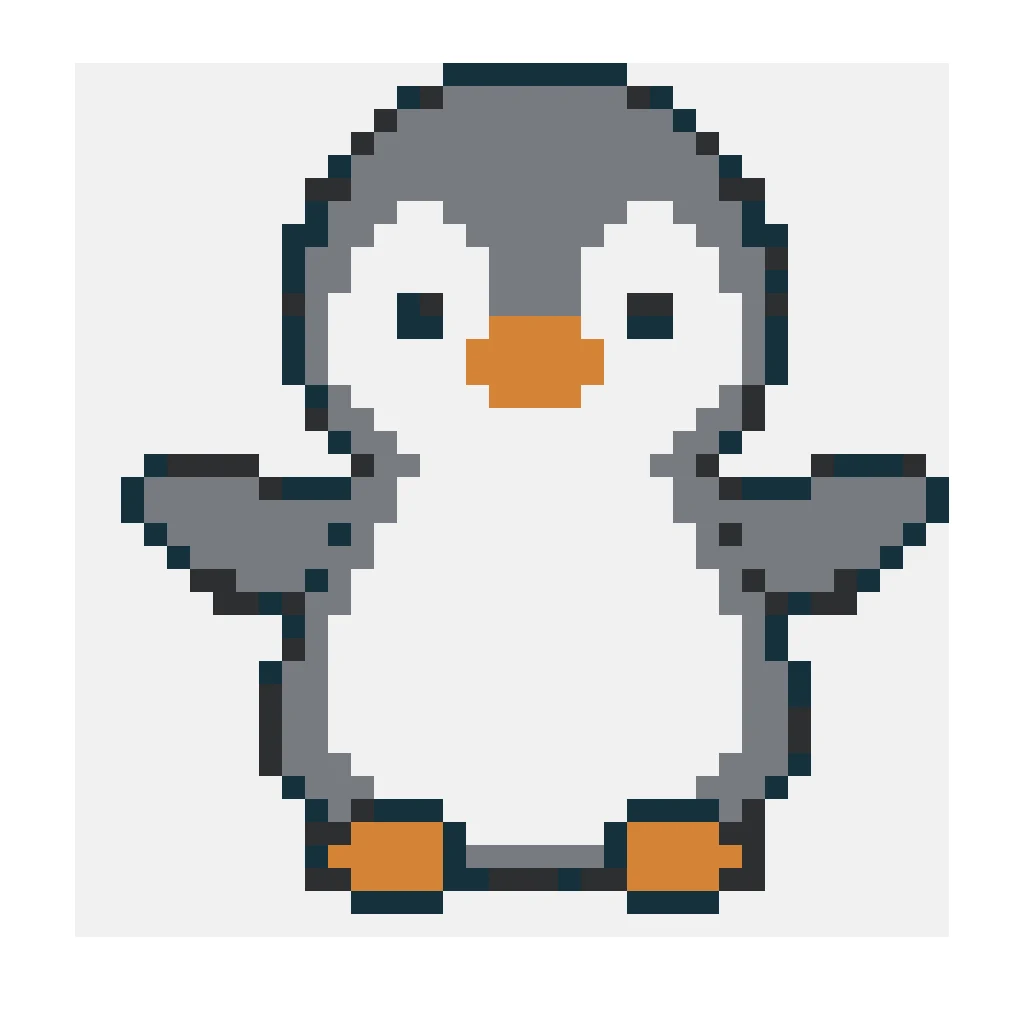









Three ways to start
Start from a photo, from an existing pixel design, or from an empty grid — all three open the same fuse bead pattern editor.
Photo to fuse bead pattern
Upload a photo, pick a color palette and generate a fuse bead pattern with smart color reduction, then fine-tune every cell in the built-in editor.
Pixel art to fuse bead pattern
Upload a pixel art screenshot or image. The tool recognizes the grid, calibrates cell size and maps each cell to the closest bead color automatically.
Design from scratch
Begin with a blank pegboard grid and draw the pattern bead by bead, or keep editing something you generated earlier.
Built for beading, not just pattern making
Generating the chart is only half of it. Once you sit down with beads and a pegboard, the editor keeps helping you.
Highlight one colour at a time
Tap a colour to highlight every cell of it, so you always know where the next bead goes.
Focus mode
Strip the interface back to the pattern itself and concentrate on the section you are working on.
Board boundaries and numbers
Board boundaries, dashed lines, a ruler and board numbers show exactly where each 29×29 board starts.
Colour codes inside every cell
Show the bead code in each cell and check it off against the tray in front of you.
Reference photo overlay
Keep the original photo above or below the beads with adjustable opacity while you place them.
Auto-save while you work
Your draft saves itself, so a big project can be finished over several evenings.
From image to fuse bead pattern in three steps
Everything runs in your browser — no install, no upload to a third-party service.
1. Add an image
Upload a photo or a pixel art screenshot. You can crop and zoom before generating.
2. Tune grid and colors
Pick the grid size, bead size and color palette, then generate and fine-tune every cell in the editor.
3. Export and publish
Export a printable pattern image or the project file, and publish it to the gallery when you are happy with it.
FAQs
Do I need to install anything?
No. Generating, editing and exporting fuse bead patterns all run in your browser, so there is nothing to install. Your source photo is not uploaded to generate a pattern: it is only uploaded if you save a draft to your account or publish the pattern to the gallery.
What image formats can I upload?
Common image formats such as PNG, JPG and WebP are supported.
Can I import an existing pixel artwork?
Yes. Use the import pixel art tool: it recognizes the grid and maps each cell to the closest bead color automatically.
Can I export my fuse bead pattern?
Yes. You can export the pattern as an image, or as a project file you can re-import later to keep editing.